Robert Correll
Author | Photographer | Musician


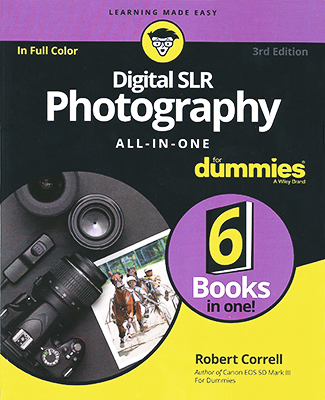
I'm very proud of this edition of Digital SLR Photography All-in-One For Dummies. I updated virtually every photo in the book. I also added tons of new content, then updated, reorganized, and clarified what I kept. The result is essentially a new book built upon the foundation of the first two editions.
I think what I love most about this book is that it is truly an All-in-One digital SLR photography resource. I cover the cameras, lenses, and other gear that make dSLR photography what it is, walk you through how to get started taking photo, then how to exert more creative control of the camera. I address how to work with natural lighting as well as a flash, and show you how to manage and process your shots. Finally, I talk about shooting different scenes, like portraits, landsacpes, and so forth.
There's so much too this book! HDR Photoraphy, panoramas, external flash, black-and-white photoraphy, wide-angle lenses, fisheye lenses, camera menus, editing photos, retouching shots, camera filters, exposure, shutter speed, aperture, ISO, macros, crop factor, sensor size, and more. You get the idea!
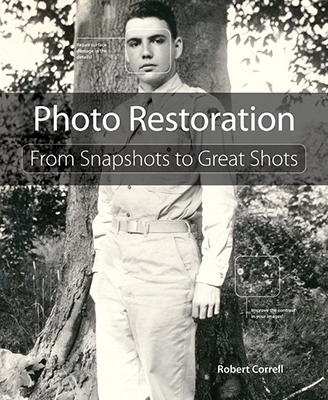
In writing Photo Restoration: From Snapshots to Great Shots, my goal was to create a user-friendly guidebook that shows you how to select, handle, scan, and restore aged or damaged photos using Adobe Photoshop (and, to a lesser extent, Photoshop Elements). I organized the material according to my own general restoration workflow. After selecting and scanning photos, I clean their surface and repair any damage. I then make color corrections and enhance the brightness and contrast. I conclude by putting my finishing touches on them.
As you can imagine, there are a lot of technical bits and pieces along the way. To keep things manageable, I focued on distilling and concentrating my knowledge and expertise for you. I winnowed out anything that was not absolutely necessary and prioritized what was left. I also tried to impart as much about the touch and feel of restoring photos as I could.
I hope this book is fun, friendly, detailed, and practical for you. Bon appétit!
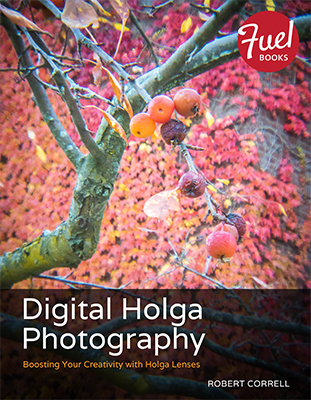
I am in love with digital Holga photography. The photos have a “retro-cool” look that speaks to my soul. They are stylish without trying to be and can be artistic yet not pretentious. To get started, all you need is an inexpensive plastic digital Holga SLR lens compatible with your camera.
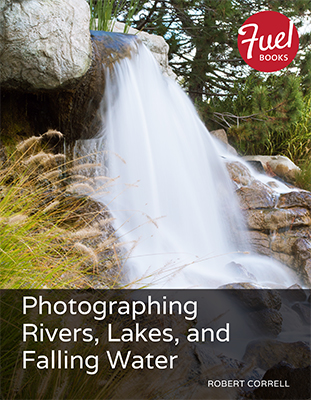
A lot goes into making a compelling photograph of rivers, lakes, or falling water. Part of the challenge lies in knowing how to work your camera and use good techniques. You also need to hone your sense of timing and use the weather conditions to your advantage. Use everything at your disposal and have fun!